Build faster without reinventing your UI.
Foundations gives product teams a shared design layer for Next.js — typography, tokens, content blocks, and the checks that stop the UI from drifting as the product grows. Open source, MIT-licensed, and built for teams that want speed without the cleanup.
Built for Next.js and Tailwind v4. Install @supertype.ai/foundations from npm and let the CLI handle the setup. Latest release: v0.4.2.
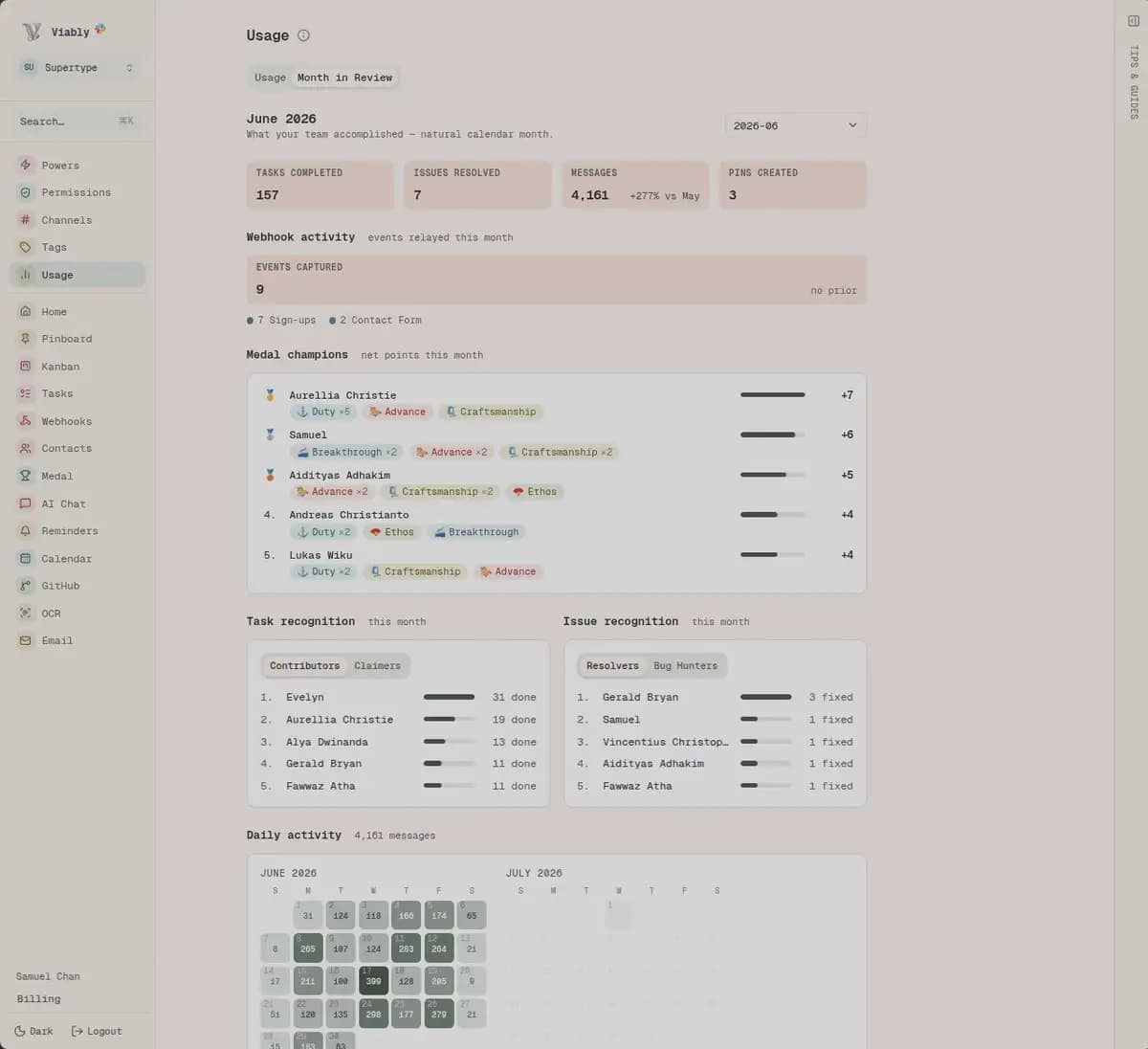
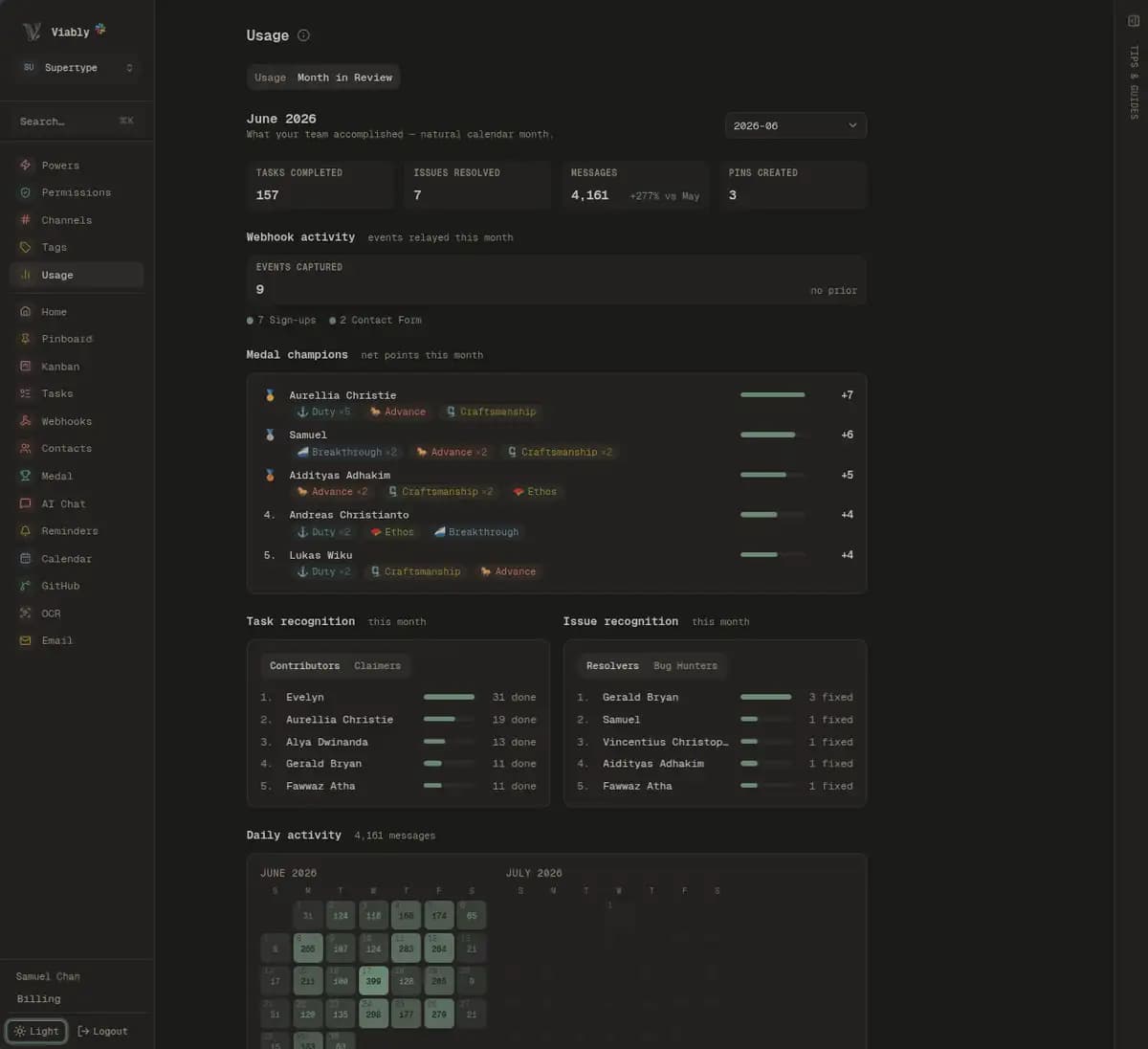
A better baseline, not just a nicer style guide.
Design systems erode one utility at a time. Foundations gives teams a rigorous baseline for type, colour, layout, and content blocks so the product stays coherent and readable without constant cleanup. The difference is that the system is built on measured typography, accessibility rules, and tested defaults — not a guessed aesthetic.
--prose-measure, --heading-weight, or a color token and the rest of the system follows.See it rendered. Read the source behind it.
Every source tab shows the real file from disk. What you see above is the actual output of that code, with no extra wrapper or hand-written styling.
Getting data out of Postgres
Three approaches, ordered by how much of your schema they need to know.
Logical replication
The Postgres server streams changes to a replica, which can be another Postgres instance or a custom consumer. This is the most efficient way to get changes, but requires access to the server and knowledge of its replication protocol.
Look out for the WAL!
Postgres writes all changes to a Write-Ahead Log (WAL) before applying them. Logical replication reads from the WAL, so you need to ensure that the WAL is configured correctly and that you have access to it.
Body copy at interface size, with a phrase marked and a call to createSeo() inline.
The same paragraph in secondary ink, for the line that supports the one above it.
- Add the packagePin a tag, never a branch.
- Import the CSSFive lines, in order, in one entry file.
- Bind the fontsBy variable, never by className.
Add the package. Let the CLI handle the setup.
If the CSS order or the @source path is wrong, things can look broken without throwing an error. foundations init writes the CSS entry for you and prints the font binding. foundations doctor catches drift before it ships.
- dff506e ·
- 99c277e ·
- release v0.4.2v0.4.2ece2a35 ·
- 150cb78 ·
- e9f2581 ·
The full history in on GitHub.
Keep the API small and intentional.
Importing a heading should not drag in unrelated UI or image code. The build-time entries run in Node without React, so the main entry stays lean while the rest sits behind subpaths.
Named for meaning, not for color.
The package ships structural roles and editorial inks instead of brand-specific color names. That means a product can paint success blue without breaking the reading hierarchy. The theme classes switch the whole system together.
- --background
- Aa--card
- Aa--muted
- Aa--primary--primary-ink
- Aa--secondary--secondary-ink
- --border
- Aa--success--success-ink
- Aa--warn--warn-ink
- Aa--destructive
- --ochre--ochre-ink
- --terracotta--terracotta-ink
- --sage--sage-ink
- --fig--fig-ink
Supertype paints its bronze this way. Viably picks its own accent. Neither forked a component to do it. Try the theme toggle in the header to see the swatches move together.
Seven tones. Seven tokens. No synonyms.
Buttons, badges, callouts, and links all read from the same seven names. Each tone maps to one token, and that is the rule: no token, no tone.
- muted--muted
- fill
- ink
- wash
Queued - primary--primary
- fill
- ink
- wash
Queued - secondary--secondary
- fill
- ink
- wash
Queued - brand--brand
- fill
- ink
- wash
Queued - success--success
- fill
- ink
- wash
Queued - warn--warn
- fill
- ink
- wash
Queued - destructive--destructive
- fill
- ink
- wash
Queued
Each tone has three values, not one. The fill is a mark and the ink is meant to be read. If one value has to do both jobs, it tends to fail in the wrong place. That is what checkSignals catches in CI. Flip the theme in the header and the swatches and controls move together.
Thirty-five buttons. Twelve declarations.
A variant says how much emphasis to use. A tone says what the action means. Keep them separate and the combinations come naturally, without building a giant single list of one-off cases.
- tone="neutral"No token by that name.
The package already says muted everywhere else —
→ muted--muted-foreground,TypographyMuted. Two words for one register is how a vocabulary starts to rot. - tone="accent"Already on the list.
→ primary--accentis the hover tint--primarycasts. A button toned accent and a washed primary came out the same colour. - tone="info"Real token, no job.
Good, careful and bad is the whole set a reader needs. Across three production apps, nothing had ever reached for a fourth.
→ success · warn · destructive
The checks that run before release.
Components are only half the job. Foundations also includes a reading-first typography baseline, metadata, share cards, the design rules themselves, and checks that catch drift before a build ships — including contrast computed from lightness values, accessibility rules, and lint checks enforced in CI.
- Metadata and JSON-LD
Set up your site config once with
createSeo()and get typed builders for metadata, articles, breadcrumbs, FAQs, and web pages. This page uses them directly. - Social cards
ogCardgivesnext/oga ready-made layout. Every share card on Supertype sites ships from the same code. - Design rules in lint
A stray hex value, a handwritten type style, or a dark-mode override that swaps one token for another. The rules are built in and fail in CI instead of turning into a review comment.
- Contrast checks
The package computes contrast from lightness values in Node across both themes. It checks readable text, marks, and hairlines against the ratios you need, and keeps accessibility grounded in math instead of a visual guess.
- A doctor for the setup
npx foundations doctorchecks your CSS entry, root layout, and installed package tree. It looks at import order, the@sourcepath, font bindings, and peer versions. - A brief for coding agents
Every install includes an
llms.txtfile. The package build will fail if that public API brief gets out of sync.
Point your agent at it once.
Agents tend to reach for text-sm text-muted-foreground because they do not know the primitive exists. Every install includes an llms.txt file covering the public API and the rules that matter. Run npx foundations init and it prints the line to add.
Take it, change it, ship it.
Foundations started in three production codebases, and all three still run on it. If it is missing something you need, open a pull request or file an issue.